
FC FIRE RESOURCES
Digital Tools for Fire Safety: What Property Managers Should Check
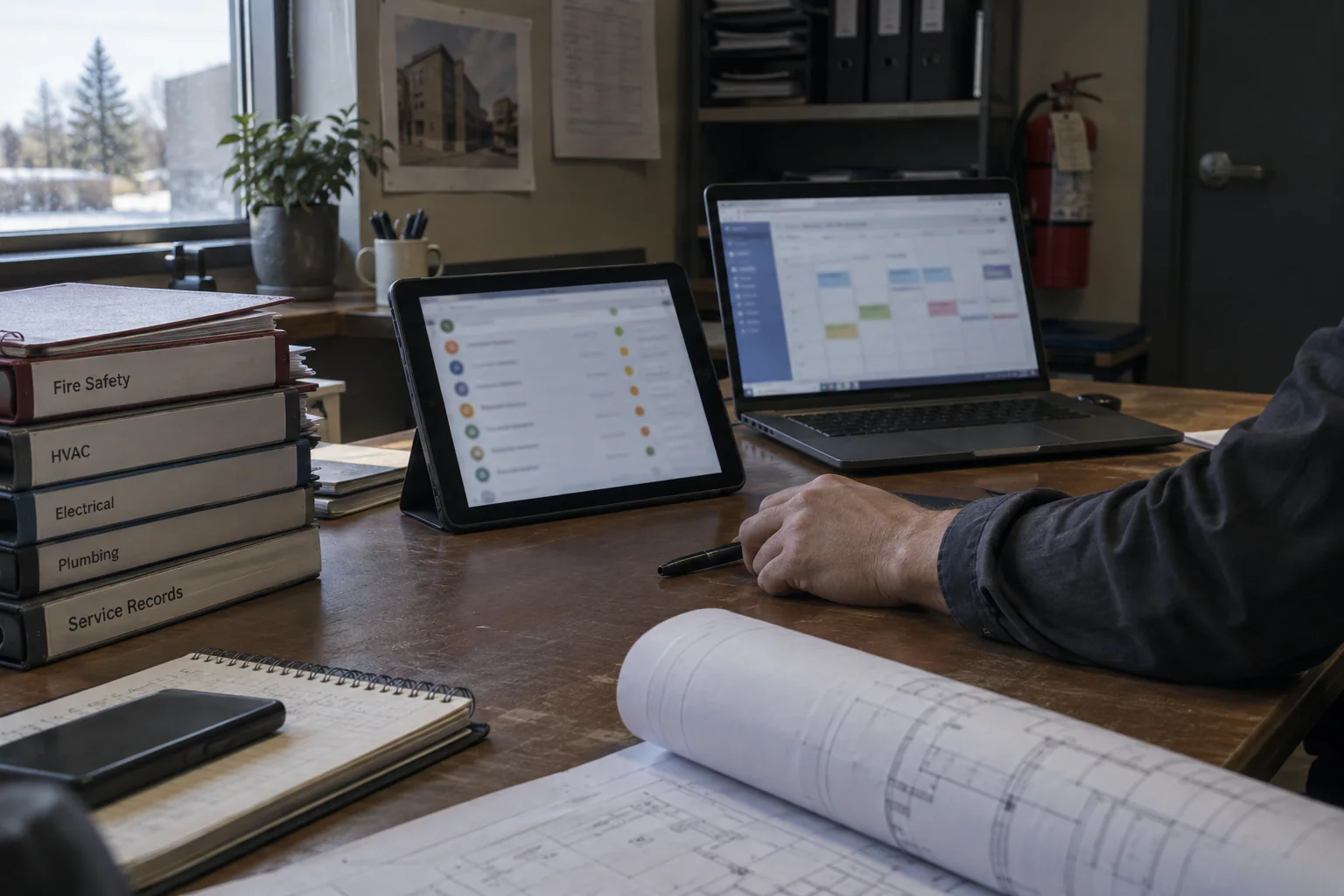
Digital tools can make fire safety records easier to find and help teams follow up on reported faults. Their value depends on what they actually do, how they connect to the building and who responds when something needs attention.
Start with an operational problem
Choose a specific problem before choosing technology. Examples include missed service reminders, inspection reports scattered across inboxes or unclear responsibility for a repair. A shared equipment register and a clear action list may solve these problems without changing the fire alarm system itself.
Define the expected result and how it will be checked. For example: can the next property manager identify every open deficiency and the person responsible for it without relying on a single employee’s memory?
Separate information from life-safety functions
A dashboard, phone notification or online document store is not automatically a substitute for required fire detection, occupant warning, monitoring or emergency procedures. Before integrating a product, have the responsible professionals confirm its intended application, approvals, compatibility and the requirements that apply to the building.
Be particularly careful about claims that a product can predict fires or replace scheduled testing. Ask for evidence specific to the proposed product and use, rather than treating a broad claim about artificial intelligence as proof of performance.
Ask what happens when something fails
- What happens if internet service, power or a subscription is interrupted?
- Who receives alerts, and what happens when that person is unavailable?
- Which functions remain local to the building?
- Can reports be exported and retained when the supplier changes?
- Who can alter settings, and how are those changes recorded?
These questions belong in the service and handover discussion. Remote access should be defined and authorised; a convenient screen should not encourage unqualified users to reset, disable or reconfigure protective equipment.
Keep people and procedures in the system
Give staff a written process for reviewing alerts, escalating faults and documenting repairs. Train a backup person. Check that the digital record matches the equipment on site and that required documents remain accessible to the people who need them.
For Ontario buildings, start with the applicable Fire Code responsibilities. Technology can support that work, but responsibility does not move to an app.
Contact FC Fire Prevention at 647-998-3473 to discuss inspection records and the maintenance needs of your building’s existing fire protection systems.