
Home / Fire Alarms
Inspection. Repairs. Installation support.
Fire alarm inspection, testing and repairs in Toronto
FC Fire Prevention provides fire alarm inspections, testing, repairs and installation support for commercial, industrial and multi-residential properties in Toronto, Etobicoke and the GTA. Tell us whether you need routine service, help with a fault or a planned upgrade.
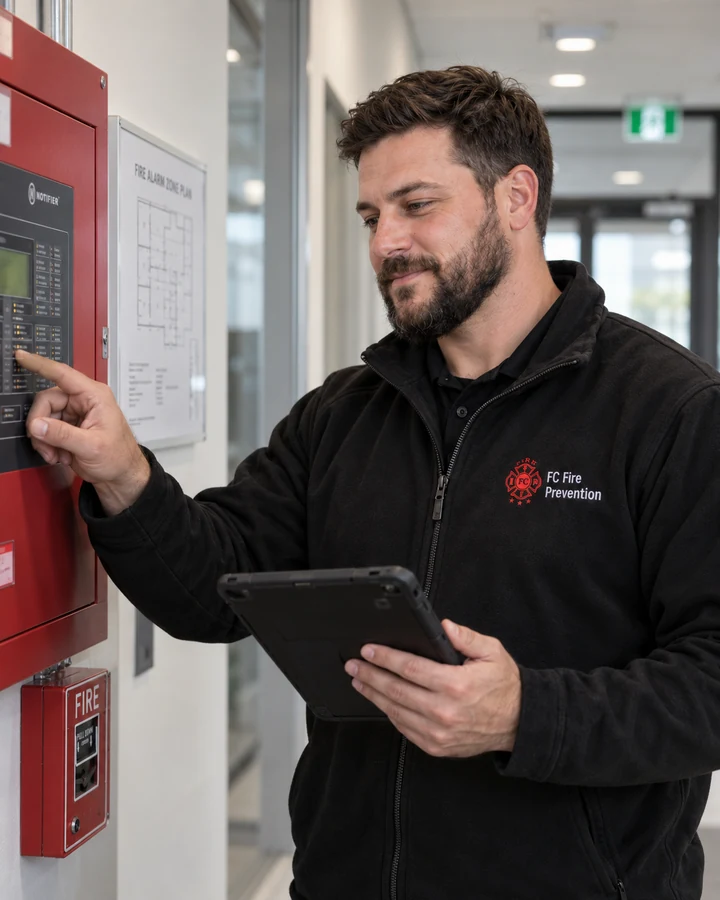
How the alarm components work together.
Inputs, controls and notification equipment form a connected system. The exact devices and connected building functions depend on the installed design.
| Component | Its role | Useful observation to report |
|---|---|---|
| Control panel | Receives system inputs, displays conditions and controls configured outputs. | Exact displayed message, zone or device reference and time. |
| Annunciator | Repeats selected system information at another location. | The indicated condition and the location of the display. |
| Smoke or heat detector | Provides an automatic input when its detection criteria are met. | Visible damage, a covering or nearby work that may affect it. |
| Manual pull station | Provides a manual alarm input. | Blocked access or visible damage. |
| Horns, strobes or speakers | Provide audible or visible notification, as fitted. | Damage, obstruction or a concern documented during a coordinated test. |
| Power supply and backup batteries | Provide normal and standby electrical power. | A power or battery message on the panel. |
Report the condition without changing the controls.
Record what is visible and notify the person responsible for the building. Leave resetting, isolating and testing to the authorized process for the site.
- Include the precise panel wording and the area or device it identifies.
- Mention recent construction, equipment work or a recurring pattern.
- Where monitoring is provided, confirm the building's notification arrangements; a local alarm does not establish that emergency services have been contacted.
Choose the work your building needs.
Inspection, fault investigation and installation have different scopes and records. Share a recent report or the panel's fault message when requesting service.
Inspection and testing
Receive a record of inspected equipment, results, deficiencies and any access limitations within the agreed scope.
Explore Inspection and testing ↗Fault investigation and repairs
Share the panel message, affected area and recent findings to plan the proposed work.
Explore Fault investigation and repairs ↗Installation and upgrades
Plan a panel replacement, added devices or renovation with the relevant project information.
Explore Installation and upgrades ↗Prepare for the service visit.
Give the team the information needed to discuss your building and the requested work. Identify access arrangements early, especially where devices are in occupied areas.
- Building address, property use and panel manufacturer if known.
- Recent inspection report, fault message and affected locations.
- Access to devices, on-site contact and tenant-notice arrangements.
- Monitoring arrangements and any requested work outside normal hours.
Agree on the scope, quote and records.
System size, device count, access, investigation time, replacement parts and project documentation affect the quote. Ask what is included, who will perform the work and which qualifications apply to that scope. Repairs and any return visit are scoped separately. Where testing depends on access to an elevator shaft or pit, the visit needs coordination with the responsible elevator contractor.
Installation, verification and routine testing are different tasks. Confirm the documents your project requires and how proposed repairs or additional work will be approved.
Inspection records and follow-up
Keep the report, equipment information and outstanding items together.
Explore Inspection records and follow-up ↗What should the next visit establish?
Ask the service team to describe the intended outcome before approving the next stage. Finding a problem, identifying its cause and confirming the result of corrective work involve different questions. A proposal should make the next step understandable.
| Proposed stage | Question to ask |
|---|---|
| Inspection and testing | Which equipment and functions will be checked, and how will limitations and findings be recorded? |
| Fault investigation | What has been observed, what remains uncertain and what is this attendance intended to establish? |
| Corrective work | Which finding does the proposed work address, and how will any additional work be discussed and authorized? |
| Testing or verification after work | Which checks and documents apply to this scope, who will perform them and what will remain outside the report? |
For an intermittent condition, share the exact message, when it appeared and any relevant recent work. Ask whether the evidence establishes a cause or whether further investigation is proposed. These questions help define the service; they are not instructions to reset, isolate or test the system.
The alarm inspection workflow guide provides further context. Discuss a defined correction through repair service, or describe a planned system change through installation and upgrade enquiries. Confirm the scope of the records supplied afterward.
Confirm the monitoring handover
When monitoring equipment is installed, changed or transferred between providers, ask for a clear statement of its status. Equipment installation, coordinated testing and confirmation of live monitoring are separate points to record in the handover.
Ask who confirms each step
- Equipment work: Who completed the installation or change, and which equipment and connections were included?
- Testing: Who coordinates the test with the receiving provider, and where will the results and outstanding items be recorded?
- Activation: Who is authorized to request live service, and which provider will confirm that it is active?
- Contacts: Who keeps the building's authorized contact details current with the provider?
- Records: Which service agreement, completion record and applicable certificate will the owner receive?
For an agreed monitoring handover, FC Fire coordinates the project and records, the monitoring provider confirms the account's status, and the customer supplies the requested response-contact and authorization information. Keep the provider's activation confirmation with the handover records. Ask what an account start date or equipment installation date represents instead of treating that date alone as confirmation of live service.
Make provider responsibilities clear
If a ULC certificate is part of the project, confirm the property and service it covers, the issuing company and the parties responsible for service and monitoring. UL's certificate-program overview explains company listing and property certification.
Keep account instructions and response contacts in the building's private operational records. When management changes, arrange a review with the responsible provider so the new team knows whom to contact and which records to retain. Include monitoring coordination when discussing an alarm installation or upgrade.
From our work: installation before monitoring activation
In one FC Fire monitoring handover, the equipment installation was complete while the account remained in test mode. The correspondence then recorded receipt of the response contacts, confirmation that the account was live and delivery of the certificate package. The customer acknowledged the live-status confirmation afterward.
- Installation complete: equipment work was recorded as finished; live monitoring had not yet been confirmed.
- Contacts received: the response-contact information needed for the handover was supplied.
- Activation confirmed: FC's later message explicitly confirmed live monitoring.
- Records delivered: the certificate package was sent with the confirmation.
The useful distinction is the sequence: an installation date did not, on its own, establish the account's live status. This anonymized example describes the documented handover; it does not establish a standard activation time or the testing and certification requirements for every property.
Use the monitoring handover questions to confirm responsibilities for your project, and retain the activation confirmation with the service and follow-up evidence.
Explore the questions behind a fire alarm inspection
Use these owner-focused guides to understand the service conversation before deciding what work to request for your building.
Ontario fire alarm inspection and testing FAQ
Find answers to common questions about inspections, testing and records.
Read Ontario fire alarm inspection and testing FAQ ↗Fire alarm testing: an owner's planning guide
Explore the planning questions that help define a coordinated service visit.
Read Fire alarm testing: an owner's planning guide ↗Conventional and addressable fire alarms
Understand zones, device addresses and the questions to ask before a panel replacement or system upgrade.
Compare conventional and addressable fire alarms ↗Common questions.
Can I send the fault message before booking?
Yes. Share the message, affected area and recent inspection findings along with the property address and panel information if known.
Does an inspection enquiry also cover an upgrade?
Explain both needs so they can be scoped separately. Installation, verification and routine testing involve different work and documentation; confirm what the proposed service includes.
What if the system fault is urgent?
Call 647-998-3473 (FIRE) to discuss the fault and current availability. For a fire or immediate danger, call 911 and follow your building's emergency procedures.
Tell us about your fire alarm system.
Share the property, panel details and service goal. Include any recent report or fault message to help define the next step.
Request fire alarm service ↗We’ll discuss the scope and available appointments.